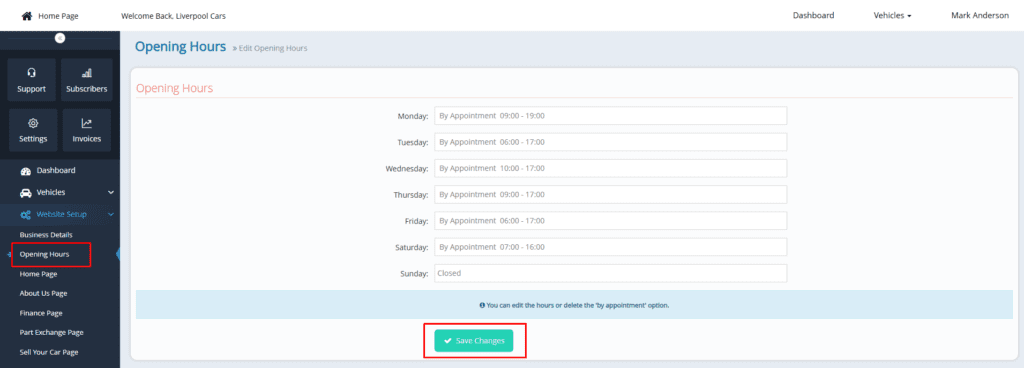
To update your opening hours, follow these steps:
1ï¸âƒ£ Click on “Website Setup” on the left-hand side of your dashboard.
2ï¸âƒ£ Select the second option: “Opening Hours.”
3ï¸âƒ£ A new window will open on the right-hand side, displaying the current working hours.
4ï¸âƒ£ You can now:
- Edit your opening and closing times
- Remove or update “By Appointment Only” if needed
Once updated, your new hours will be reflected on your website.